
Free local video conversion for Windows
Simple Video Converter
Convert videos on your Windows PC with a clear file plan, stream selection and batch queue. Processing stays local and your originals remain untouched.
- Windows 11 · x64
- Microsoft Store distribution
Free download
All conversion features are free, with no account, licence key or subscription. Optional support through Buy Me a Coffee is separate from the app.

Free download with all conversion features included. No account, licence key or subscription.

Application screenshots
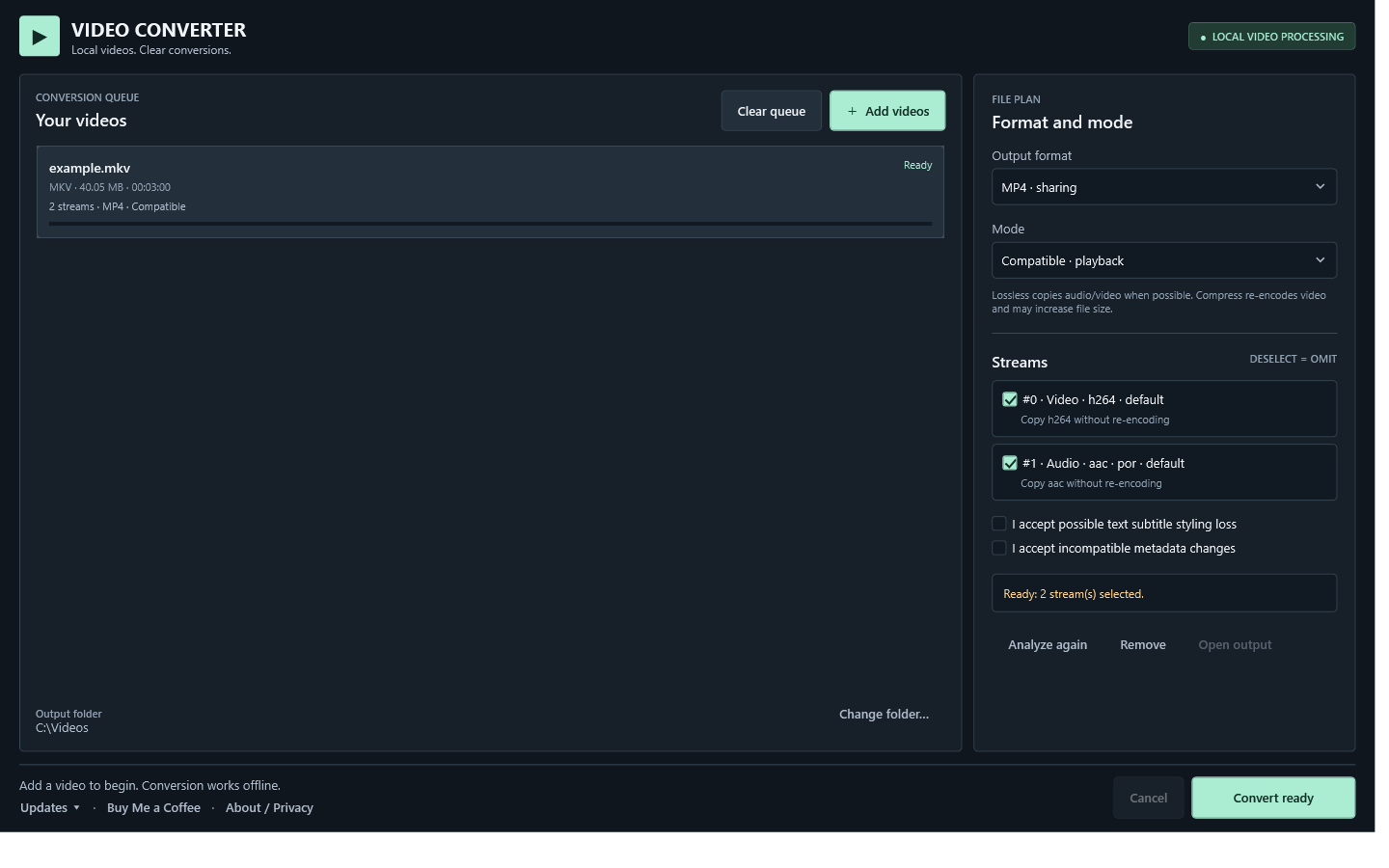
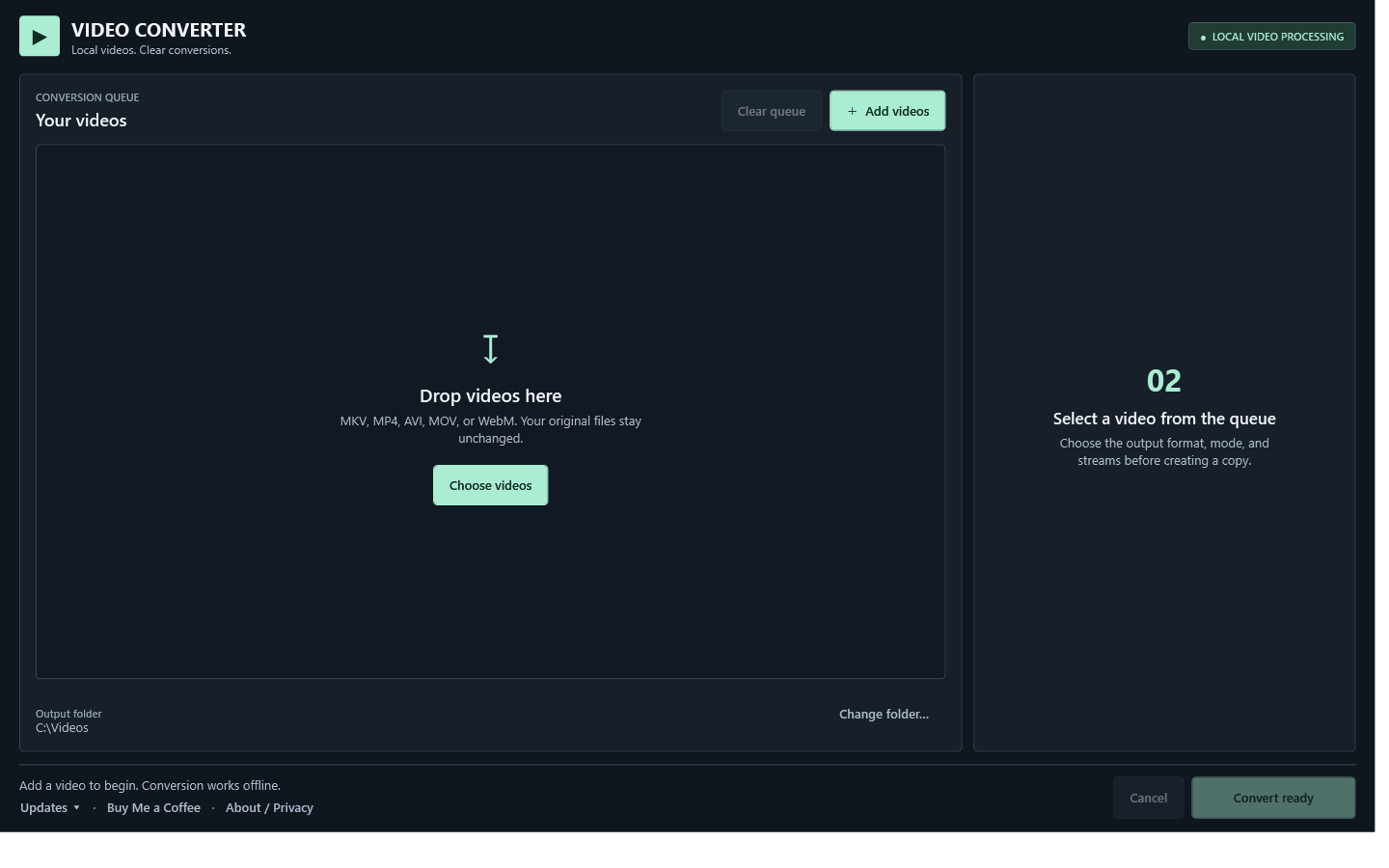
Screenshots of the 1.1.0 application UI from a test build. The selected video and output folder are example data. Select an image to open it at full size.
About Simple Video Converter
Add MP4, MKV, MOV, WebM or AVI files, choose an output format and select Lossless, Compatible or Compress mode. The file plan shows which streams will be kept and when a format needs your decision.
Lossless copies supported audio and video streams without re-encoding, although container data, metadata or subtitles can change. Compatible uses playback-oriented profiles. Compress re-encodes video and does not guarantee a smaller file.
Ready jobs run one at a time. Choose a local output folder for new copies; the app does not replace your source videos. FFmpeg and ffprobe run on your computer, without uploading media to mablook.
Simple Video Converter features
Five input and output formats
Work with MP4, MKV, MOV, WebM and AVI videos. Available stream combinations depend on the destination format.
Three conversion modes
Choose stream copying where supported, a compatible playback profile or video re-encoding. Compression can trade quality for size and may not always shrink a file.
Choose the streams to keep
Inspect video, audio and subtitle streams before conversion and decide how to handle incompatible streams or metadata.
Batch queue with a file plan
Add several videos, review jobs that need a decision and convert ready jobs in sequence.
Local copies, original files kept
Save converted copies to a folder you choose. The app does not replace the source files, upload media or require an account.
Clear completion and next steps
After conversion, open the output folder directly from the completion message or continue adding videos.
Questions about Simple Video Converter
Can I download Simple Video Converter now?
Yes. Simple Video Converter is available as a free Microsoft Store download, with all conversion features included.
Are my videos uploaded?
No. The app analyzes and converts selected files locally with bundled FFmpeg and ffprobe. It has no account, advertising, analytics or telemetry. A folder synchronized by another service may upload your output under that service’s settings.
Will it replace my original videos?
No. Converted copies are saved in your chosen output folder with a new name. Clearing the queue does not delete source videos or converted copies.
What is the difference between the conversion modes?
Lossless copies supported streams without re-encoding. Compatible uses playback-oriented settings. Compress re-encodes video and may reduce quality; a smaller file is not guaranteed. Some streams or metadata need your decision for the selected format.
Can I convert several videos at once?
Yes. Add a batch, review the file plans and convert ready jobs. The app processes one ready job at a time and keeps the pending queue locally so it can be restored.
Free app
All features included
All conversion features are free, with no account, licence key or subscription. Optional support through Buy Me a Coffee is separate from the app.
Download the app from the Microsoft Store using the link above.
Privacy and support
Read how the app handles your information, or contact me for support and product questions.